Introdila
Your business card, as one QR code
Photograph your visiting card, check the details, and get a QR code. At a show, just hold up your phone — the other person scans it with their normal camera and your contact is saved straight into their phonebook.
Introdila — in Hinglish, "Intro dila" means "get me an introduction." Your next connection starts here.
See it in 15 seconds
Photograph the card. Get the QR code. Someone scans it. Done.
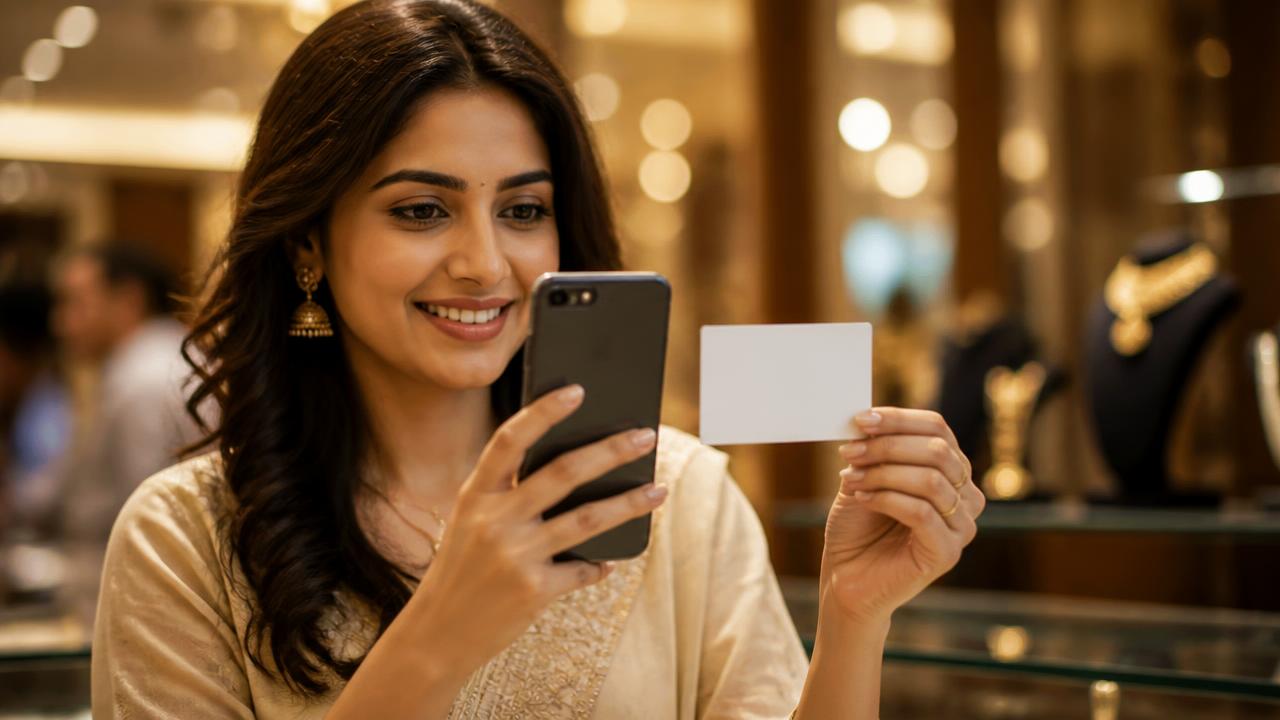
1. Photograph your card
Snap the front and back of your paper visiting card with your phone.
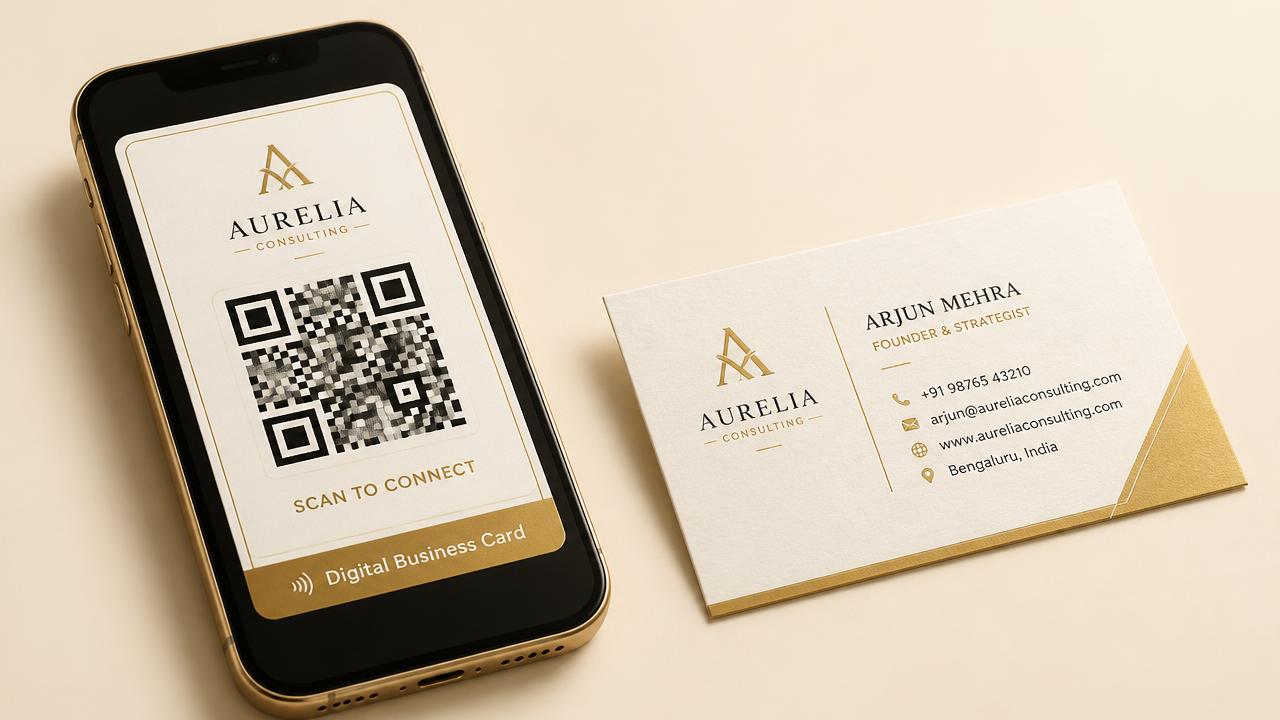
2. Get your QR code
We read the details, you confirm them, and your QR code is ready to keep on your phone.
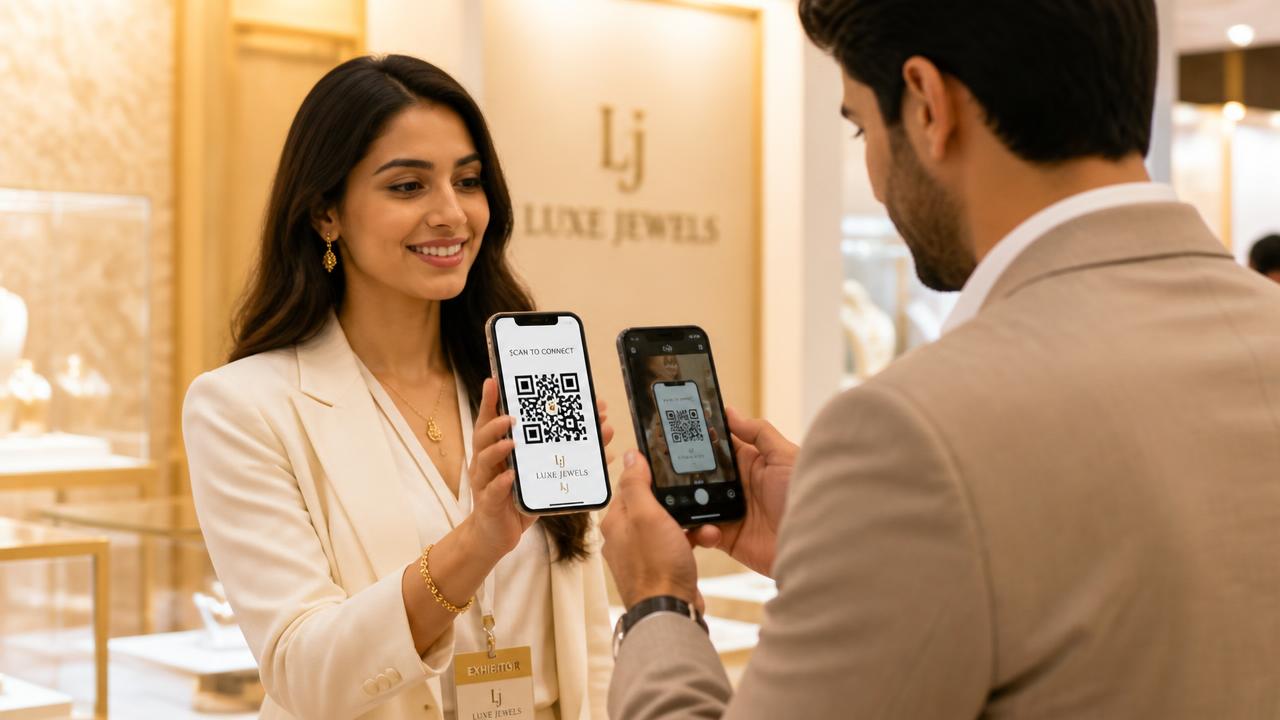
3. They scan, you are saved
Hold up your phone. Their normal camera scans it and your contact goes into their phonebook.
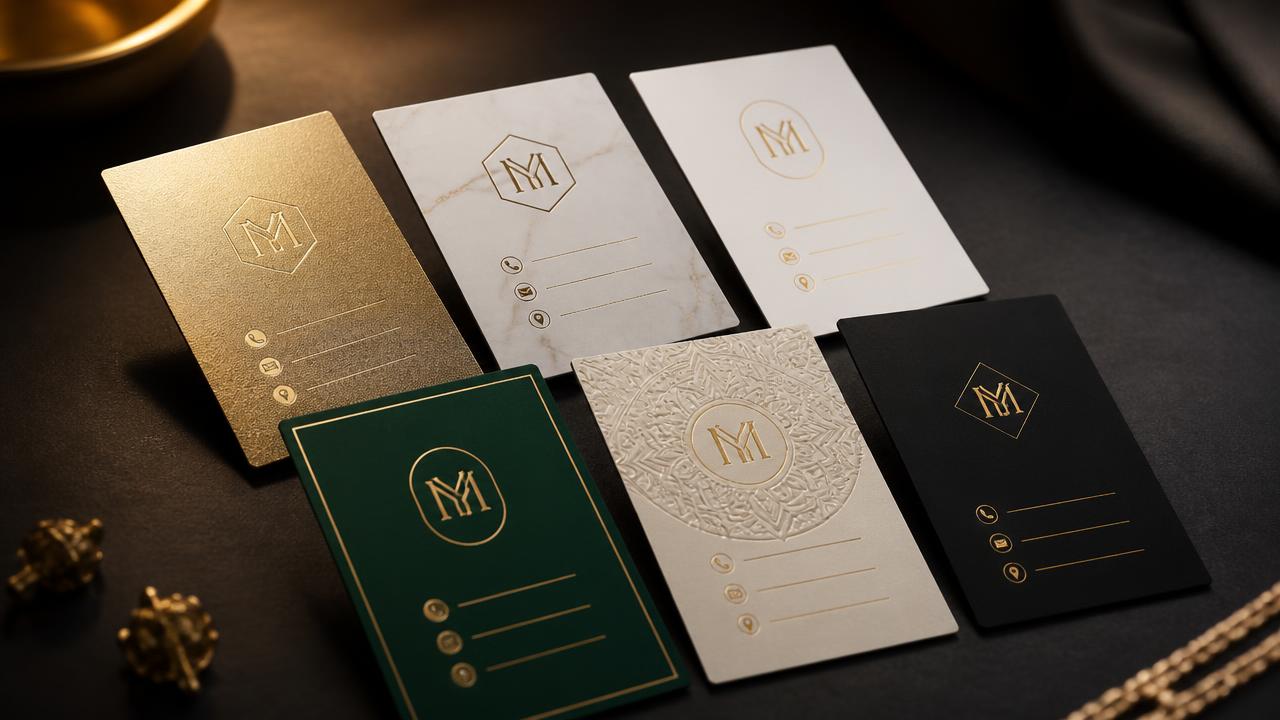
No card yet? We design one for you
Type your details, pick from six premium templates, and get a beautiful card plus your QR code. Download a print-ready PDF whenever you want paper copies.
Six premium templates
Gold foil, ivory marble, studio minimal, royal emerald, heritage mandala, and modern noir.
Logo builder
Make a neat monogram from your initials or create a logo with AI in a few seconds.
Print-ready PDF
Standard 3.5 x 2 inch size with bleed and crop marks, ready to send to any card printer.
One QR code
No app needed for the other person. iPhone and Android cameras scan it automatically.
Save to contacts
The QR code contains a real vCard, so name, phone, email, and address are saved correctly.
Share anywhere
Email the QR image to your phone from Introdila, save it in Photos, or share it on WhatsApp.
Three kinds of cards
One account can hold multiple cards. Switch between them depending on who you are meeting.
Your own name, mobile, and email. Use it for everyday meetings.
Office number, brand address, and company email.
A temporary card for a trade show, booth, or exhibition.
Ready to stop carrying paper cards?
Create a free Introdila account and make your first digital card in under a minute.
Create your card